
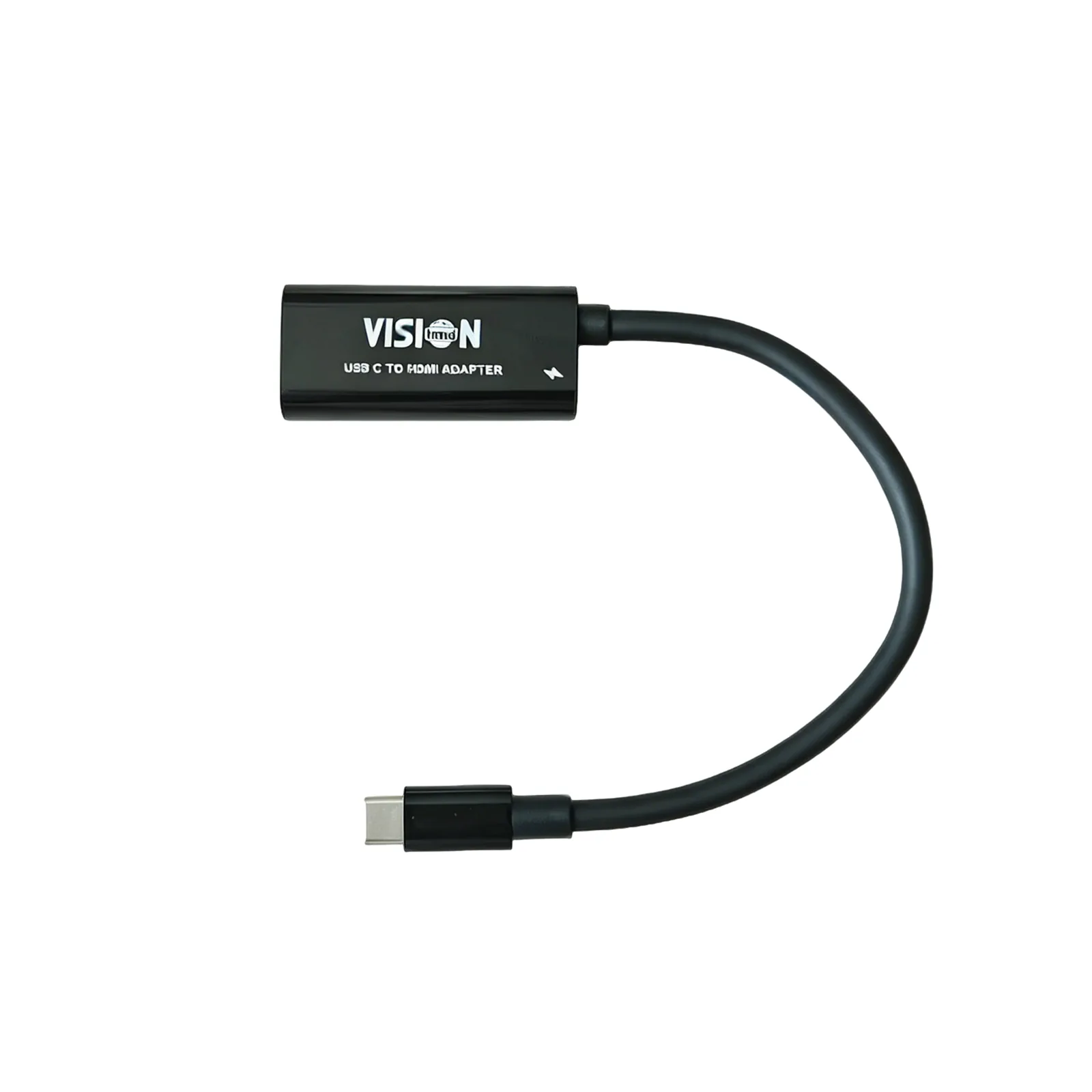
AccessoryBuy adapter →
USB-C to HDMI Adapter
Your bridge from USB-C devices to the 6360P. It turns a USB-C port that supports video output into a standard HDMI signal.
See price on AliExpress
Official VUEHMD store
Why you need it
Which devices need an adapter?
✓
No adapter needed
Laptops with HDMI out, Nintendo Switch dock, Blu-ray players, Roku / Apple TV / TV sticks.
↦
Adapter needed
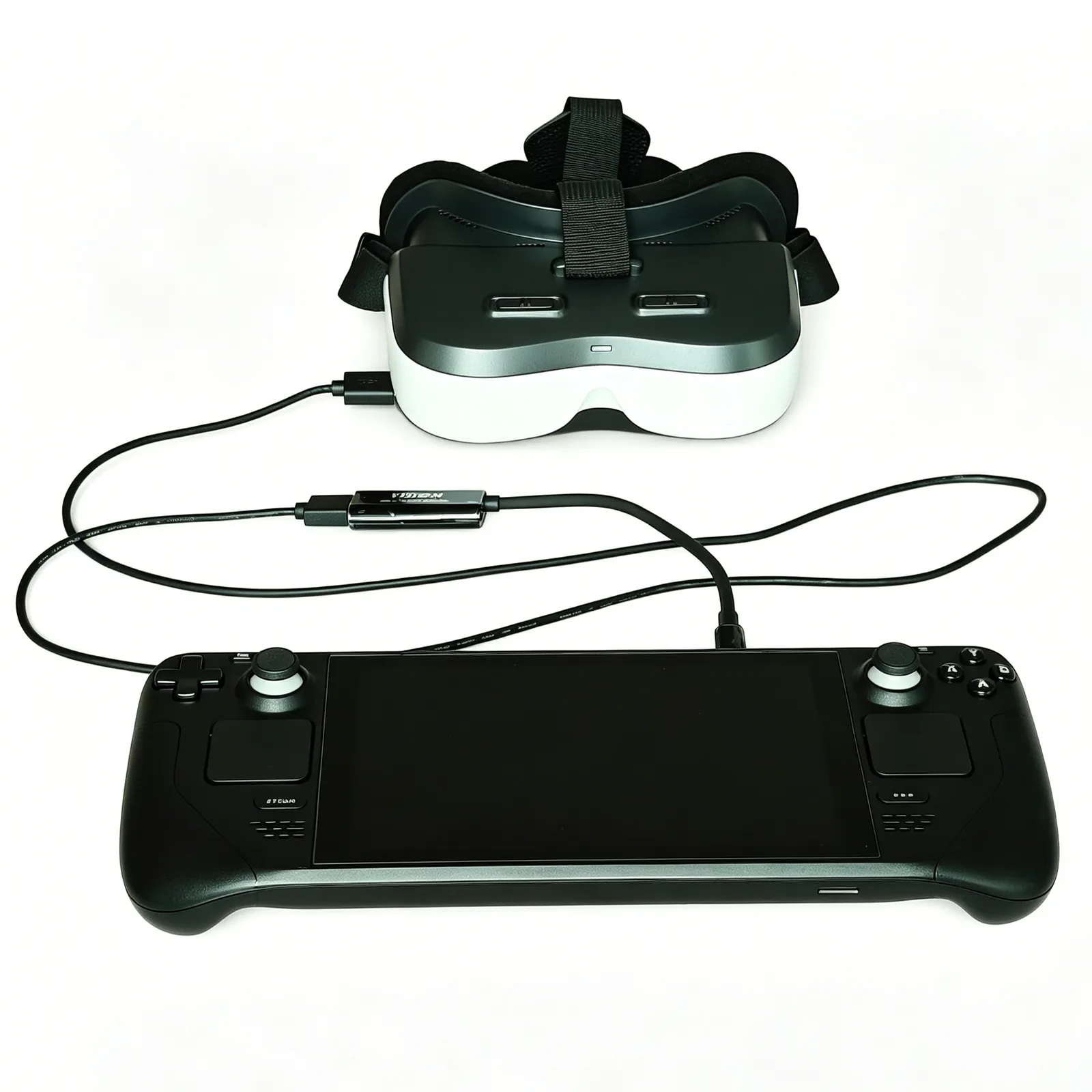
Steam Deck, USB-C Android phones and tablets that support DisplayPort Alt Mode video out.
Apple devices
iPhone / iPad need an original Apple HDMI adapter, as specified in the 6360P manual.
How to connect
USB-C device → adapter → 6360P
1
Plug the adapter
USB-C end into your phone, tablet or handheld.
2
Add HDMI cable
Standard HDMI from the adapter into the 6360P HDMI-in port.
3
Power on
Hold the 6360P power key 3 s. Your device screen appears as a private display.
Compatibility note. A USB-C port must support video output (DisplayPort Alt Mode / Thunderbolt) — not every USB-C port does. Check your device specs or ask [email protected] before ordering. Powered passthrough and model-specific behaviour: confirm with the product team (not claimed here).